REST Quickstart
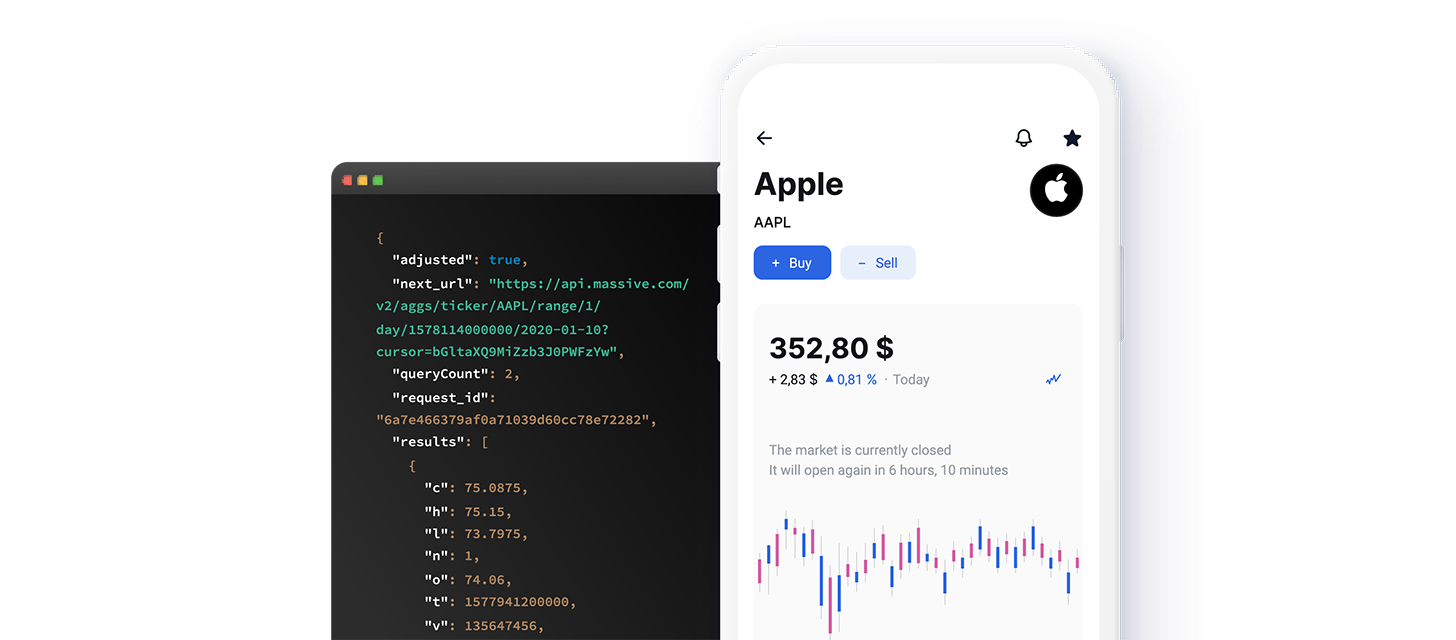
The Massive REST API delivers historical and real-time market data over HTTPS — ideal for on-demand queries and request/response integrations. For bulk historical downloads, use Flat Files; for live streams, use the WebSocket API.
This guide walks through authenticating and making your first request manually so you understand what our official client libraries handle on your behalf.
Browse Our Data
Select a category to see its REST endpoints, schemas, and code examples.

Trades, quotes, fundamentals, and reference data.

OPRA options trades, quotes, and aggregate bars.

Trades, quotes, and reference across CME venues.

Values and reference data for major U.S. indices.

Currency pair trades, quotes, and aggregate bars.

Global crypto trades, quotes, and aggregate bars.

Macroeconomic indicators and historical time series.

News, sentiment, and other alternative datasets.

Third-party datasets accessible through Massive.
Authenticate Your Request
Before you can access Massive data, you need your unique API key.
Obtaining Your API Key
- Sign up or log in to your account.
- Visit your Dashboard to find your API key.
- Keep your API key secure and do not share it publicly.
You can include your API key in two ways:
Query String Parameter (e.g., ?apiKey=YOUR_API_KEY):
Authorization Header:
Note: Replace YOUR_API_KEY with your actual API key from your dashboard.
Making Your First API Request
At your terminal, let’s make a simple request using the curl command, to the Dividends endpoint to list recent dividends.
This command retrieves dividend records. For more parameters and advanced filtering options, see the Dividends endpoint documentation.
Pro Tip: If you omit your API key or use an invalid one, you will receive an authorization error. Ensure you have replaced YOUR_API_KEY with your actual key before running the command.
Understanding the API Response
All REST API endpoints from Massive return data in a structured JSON format. You will commonly see fields like status, count, results, and request_id at the root level. The results field typically contains an array of objects, each representing an individual data record (such as a dividend, trade, or ticker detail).
This pattern is consistent across our REST endpoints. Once you understand how to authenticate, make requests, and parse JSON responses for one endpoint -- like Dividends -- you can apply the same approach to all other endpoints. As you explore different datasets (e.g., trades, quotes, fundamentals), you will find that the process remains the same: use your API key, structure your request URL or headers appropriately, and parse the returned JSON to integrate the data into your applications.
Now that you know how to authenticate and issue requests, you have the basic skills to use any of the Massive REST endpoints.
Explore Client Libraries
While understanding the manual workflow is valuable, integrating directly with our client libraries is the recommended approach for production use. These libraries handle:
- Authentication and secure key management
- Request formatting and retry logic
- Parsing JSON responses into easy-to-use structures
Available libraries:
- Python: GitHub - Python Client
- Go: GitHub - Go Client
- Kotlin: GitHub - JVM Client
- JavaScript: GitHub - JavaScript Client
Using Massive with AI
Connecting an AI agent or assistant to Massive? Our AI Tools area covers everything you need to give LLMs reliable access to market data: a remote MCP server for the REST API, LLM-friendly llms.txt files, and Markdown versions of every documentation page (just append .md to any URL). It includes step-by-step setup for Claude, ChatGPT, Cursor, Codex, and more.
Next Steps
With your first successful API request and an understanding of the common patterns in our JSON responses, you are prepared to explore any of Massive’s endpoints. Check out our detailed documentation for additional parameters, data sources, and capabilities. As you progress, consider using our client libraries to greatly simplify the integration process and focus on building data-driven applications.