Flat Files Quickstart
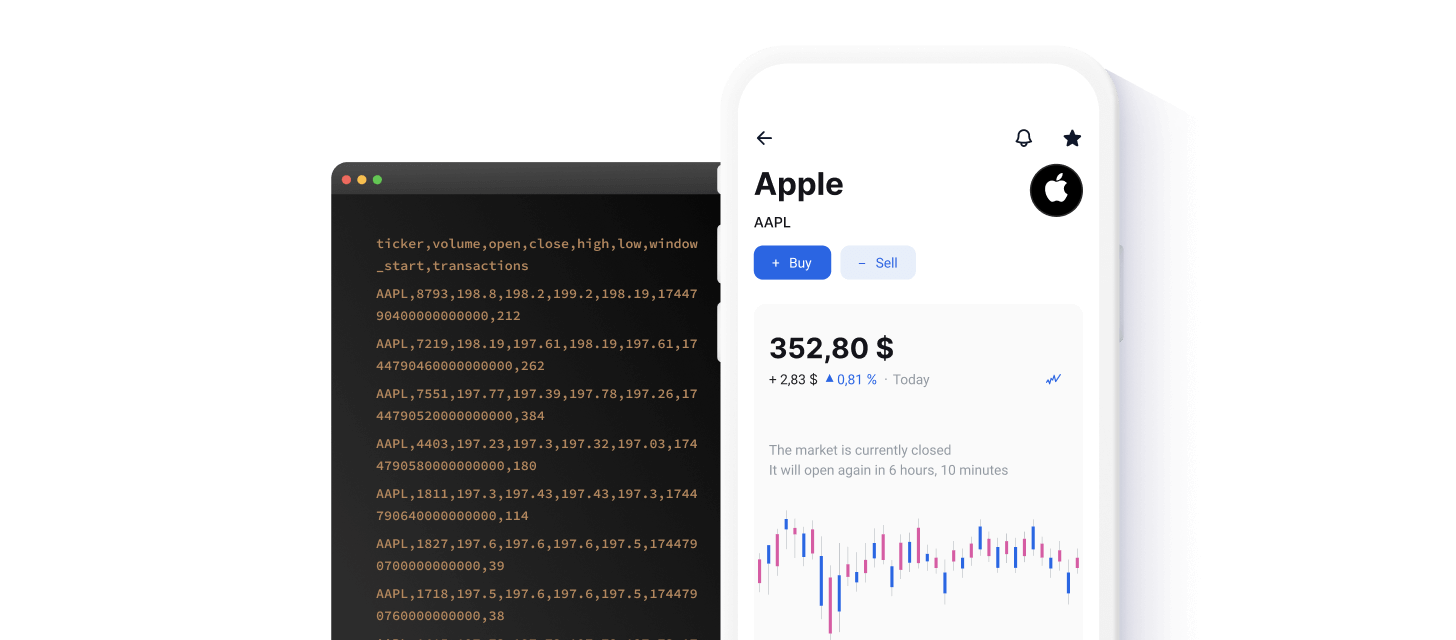
Massive's Flat Files deliver extensive historical market data as compressed CSVs over an S3-compatible endpoint — ideal when you need bulk historical data without making thousands of REST calls. For smaller on-demand queries, use the REST API; for real-time streams, use the WebSocket API.
This guide walks through downloading datasets manually with popular S3 clients or our File Browser.
Browse Our Data
Select a category to see what data is available as Flat Files.

Trades, quotes, and aggregate bars for U.S. equities.

OPRA options trades, quotes, and aggregate bars.

Trades, quotes, and aggregates across CME venues.

Values and aggregates from major index providers.

Currency pair quotes and time-based aggregate bars.

Global crypto trades, quotes, and aggregate bars.
Exploring and Downloading Data
Flat Files are organized by asset class and data type. Available asset classes include Stocks, Options, Indices, Forex, and Crypto. Within each asset class, you'll find data types such as trades, quotes, minute aggregates, day aggregates, and more.
To quickly explore and download historical data files, use the File Browser located in the left-hand navigation of this page. Simply select the asset class you're interested in and then drill down to access specific datasets available with your subscription. Alternatively, you can use an S3 client to automate and integrate Flat Files data into your workflow, as described in the following sections.
Note: Data for each trading day is available by approximately 11:00 AM ET the following day.
Sample Data
Here's an example of minute aggregates for the stock AAPL, showing the CSV structure you'll see when downloading Flat Files:
ticker,volume,open,close,high,low,window_start,transactions
AAPL,4930,200.29,200.5,200.63,200.29,1744792500000000000,129
AAPL,1815,200.39,200.34,200.61,200.34,1744792560000000000,57
AAPL,1099,200.3,200.28,200.3,200.13,1744792620000000000,40
AAPL,3672,200.39,200.61,200.64,200.39,1744792680000000000,71
AAPL,4322,200.72,200.69,200.8,200.69,1744792740000000000,88
AAPL,3675,200.7,201.5,201.5,200.7,1744792800000000000,119
AAPL,12785,201.49,202.33,202.33,201.49,1744792860000000000,329
AAPL,11473,202.39,201.81,202.46,201.81,1744792920000000000,199
AAPL,3895,202.0,201.82,202.0,201.65,1744792980000000000,116
AAPL,4322,201.76,201.36,201.76,201.17,1744793040000000000,85
AAPL,2089,201.31,201.35,201.35,201.04,1744793100000000000,48
AAPL,7317,201.31,200.88,201.31,200.71,1744793160000000000,121
Each CSV file you download includes a header line as the first row, clearly identifying each column. This header exists across all files within a specific dataset, making it easy for you to interpret and integrate the data into your workflows.
Setting Up S3 Access
To download Flat Files using an S3 client, you'll first need to configure your environment with the appropriate access credentials provided by Massive:
- Ensure you have an active Massive subscription with Flat Files access.
- Obtain your unique S3 Access Key and Secret Key from your Dashboard.
Use the following standard configuration details for all S3 clients:
- Endpoint: https://files.massive.com
- Bucket Name: flatfiles
Massive officially supports several popular S3-compatible clients:
Below you'll find quick setup instructions for each client.
AWS S3 CLI
The AWS S3 CLI is an efficient command-line tool for managing S3-compatible data stores.
Here's how to get started:
Install the AWS S3 CLI from the official website.
Run aws configure in your command line and enter your Access Key ID, and Secret Access Key.
To interact with Massive's S3 files, use aws s3 commands:
Rclone
Rclone is versatile for syncing and managing S3-compatible storage directly from your command line.
Here's how to get started:
Download and install Rclone from here.
Initiate a new remote storage configuration with rclone config.
Here's an example configuration is provided below for reference:
MinIO
MinIO client works seamlessly with any S3 compatible cloud storage.
Here's how to get started:
If you haven't already, download and set up MinIO from their documentation.
Here's an example configuration is provided below for reference:
Python Boto3 SDK
Boto3 is the Amazon Web Services (AWS) SDK for Python, which enables Python developers to write software that makes use of Amazon services like S3.
Here's how to get started:
Install Boto3 by running pip install boto3 if you haven't already.
Utilize the following script to interact with Massive data:
Using Massive with AI
Connecting an AI agent or assistant to Massive? Our AI Tools area covers everything you need to give LLMs reliable access to market data: a remote MCP server for the REST API, LLM-friendly llms.txt files, and Markdown versions of every documentation page (just append .md to any URL). It includes step-by-step setup for Claude, ChatGPT, Cursor, Codex, and more.
Next Steps
Now that you've successfully accessed Flat Files with your S3 client, you can easily automate data retrieval and integrate historical market data into your workflows.